
如何在 Ubuntu 上安装 Apache ActiveMQ ?

Apache ActiveMQ 是一个广泛使用的开源消息传递和集成模式服务器。它是用 Java 编写的,并支持 JMS (Java Messaging Service) 以及其他跨语言客户端和协议。
在本文中,我们将介绍在 Ubuntu 22.04 系统上安装和设置 Apache ActiveMQ 的过程。
必备条件
确保你的 Ubuntu 系统已安装 Java,如果没有,执行如下命令安装
sudo apt update
sudo apt install default-jdk
建议使用非 root 用户身份运行程序,先创建一个专用用户,设置密码,完成用户的创建。
sudo adduser activemq
安装 Apache ActiveMQ
首先,从官方网站下载最新版本的 Apache ActiveMQ 源代码。
wget https://dlcdn.apache.org//activemq/5.17.0/apache-activemq-5.17.0-bin.tar.gz
tar xzf apache-activemq-5.17.0-bin.zip -C /opt
ActiveMQ 默认只允许在本地使用,要启用本地或公共网络访问,请编辑 conf/jetty.xml 配置文件。
sudo nano /opt/apache-activemq-5.17.0/conf/jetty.xml
搜索下面的配置部分,将 host 值从 localhost 修改为本机 IP 地址或设置为 0.0.0.0 监听所有接口。
<bean id="jettyPort" class="org.apache.activemq.web.WebConsolePort" init-method="start">
         <!-- the default port number for the web console -->
    <property name="host" value="localhost"/>
    <property name="port" value="8161"/>
</bean>
作为系统服务运行
Systemd 是 Linux 的默认系统和服务管理器,要使服务启动更容易,编辑 ActiveMQ 的启动配置文件:
sudo nano /etc/systemd/system/activemq.service
添加以下内容:
[Unit]
Description=Apache ActiveMQ Message Broker
After=network-online.target

[Service]
Type=forking

User=activemq
Group=activemq

WorkingDirectory=/opt/apache-activemq-5.17.0/bin
ExecStart=/opt/apache-activemq-5.17.0/bin/activemq start
ExecStop=/opt/apache-activemq-5.17.0/bin/activemq stop
Restart=on-abort

[Install]
WantedBy=multi-user.target
保存文件,重新加载 systemctl 守护进程以读取新的配置文件。
sudo systemctl daemon-reload
启用并启用 ActiveMQ systemd 服务
sudo systemctl enable activemq.service
sudo systemctl start activemq.service
检查 ActiveMQ 服务状态
sudo systemctl status activemq.service
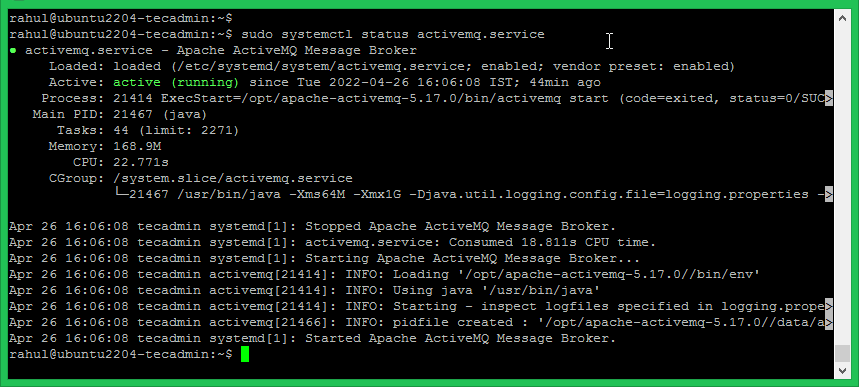
测试安装
如果 UFW 防火墙处于激活状态,你需要从远程访问 Apache ActiveMQ,确保打开 8161 端口。
sudo ufw allow 8161/tcp
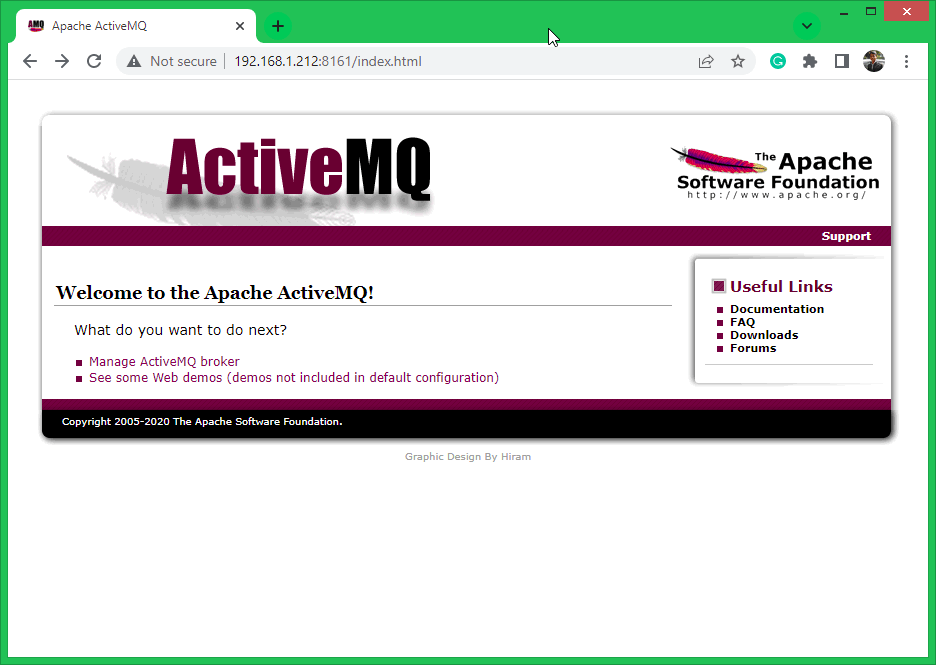
打开浏览器并访问 URL:http://server-ip:8161
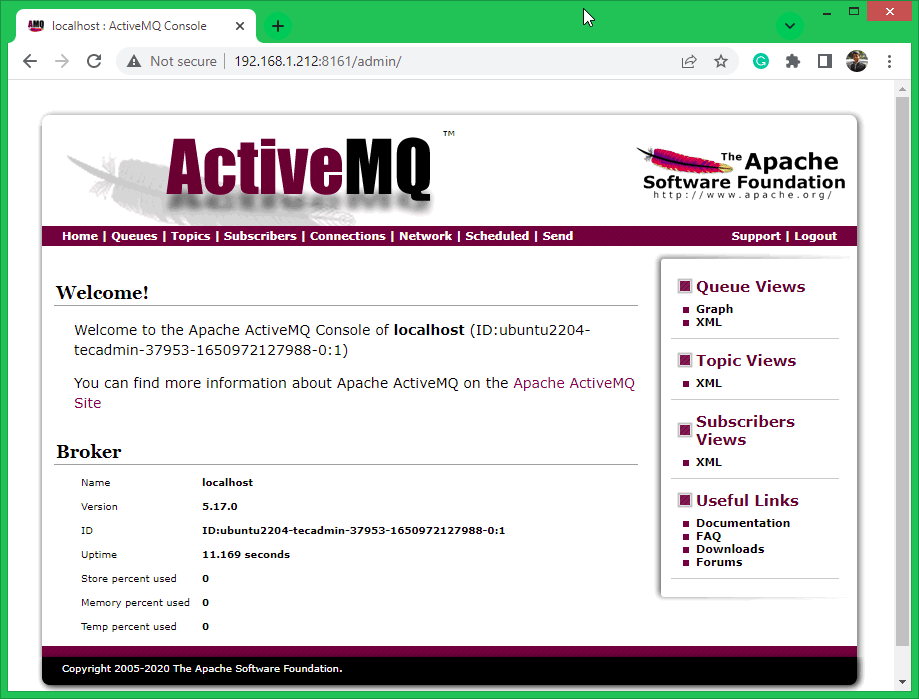
管理 URL:http://server-ip:8161/admin,用户名:admin,密码:admin
我的开源项目

评论已关闭
关于作者

首席钢琴师