
如何自定义 SSH 登录警告 Banner 和每日消息 MOTD ?
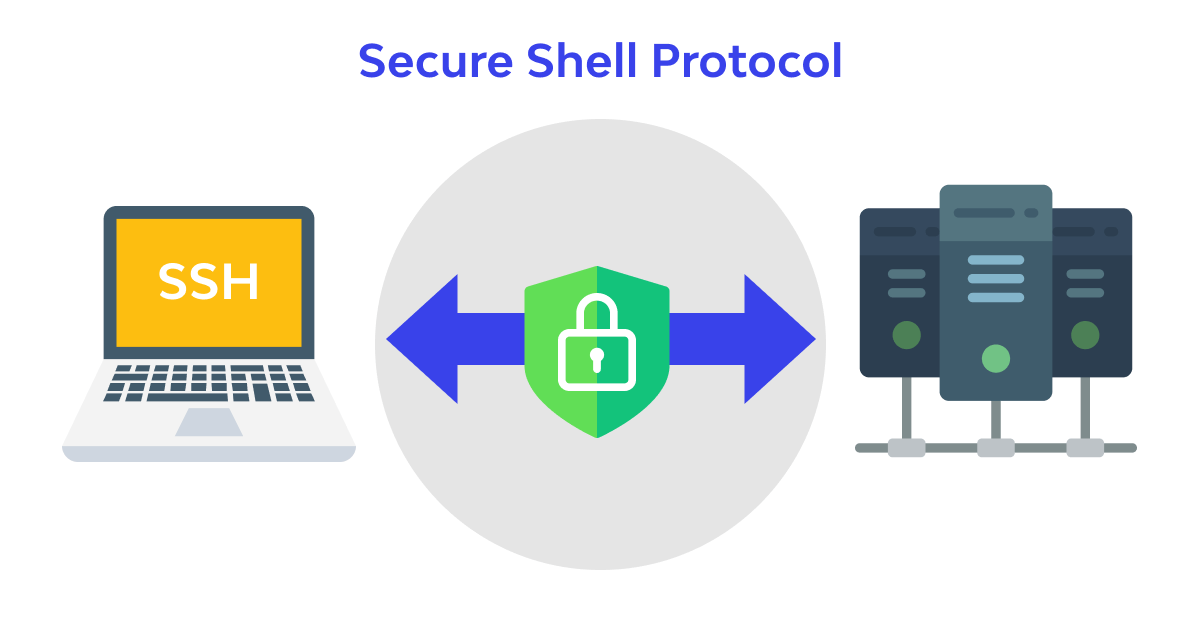
SSH (Secure Shell)是一种用于远程登录 Linux 操作系统的协议。SSH 在两个不受信任的主机连接通信中提供安全加密,系统管理员通常用于远程管理服务器。
保护 SSH 连接的一种方法是在 Linux 中设置自定义 SSH 警告 Banner 和每日消息(Message of the Day,MOTD)。警示 Banner 是 SSH 登录时显示,MOTD 为用户登录后显示。
在本文中,我们将指导您在 Linux 中设置自定义 SSH 警告 Banner 和 MOTD。
Step 1: 创建 SSH Banner 文件
要设置自定义 SSH 警告横幅,首先需要创建一个包含横幅文本的文件。
sudo nano /etc/ssh/banner
输入你想要的文字,保存并退出。下面是一个样例:
******************************* WARNING  ***********************************

Welcome to the [Company Name] Secure Shell. Unauthorized access is strictly
prohibited and will result in immediate disciplinary action. All activity is
monitored and recorded. Unauthorized access will be investigated and punished
to the fullest extent of the law.

By accessing this system, you acknowledge that all data stored and processed
here is confidential and should not be disclosed to unauthorized parties.

If you are not an authorized person, please log out immediately from the system.
Step 2: 配置 SSH 守护进程
创建横幅文件之后,您需要配置 SSH 守护进程,在用户使用 SSH 登录系统时显示横幅。
sudo nano /etc/ssh/sshd_config
找到以“Banner”开头的行并取消注释。然后,为横幅设置 Step 1 中的文件路径。
Banner /etc/ssh/banner
Step 3: 创建 MOTD 文件
用户使用 SSH 登录后,会显示每日消息(MOTD)。要设置自定义 MOTD,您需要创建一个文件 包含 MOTD 文本内容。
sudo nano /etc/motd
输入你想要的文字,保存并退出。下面是一个样例:
Good morning! Nice to see you again.
Step 4: 重启 SSH 守护进程
创建 banner 和 MOTD 文件以及配置 SSH 守护进程之后,需要重启 SSH 守护进程以应用更改。
sudo systemctl restart ssh
Step 5: 验证设置
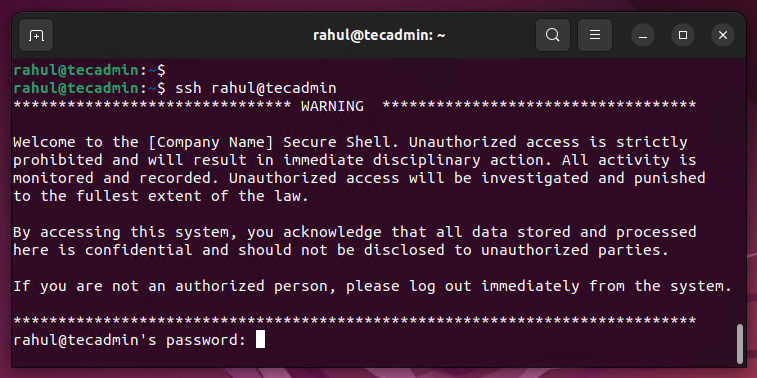
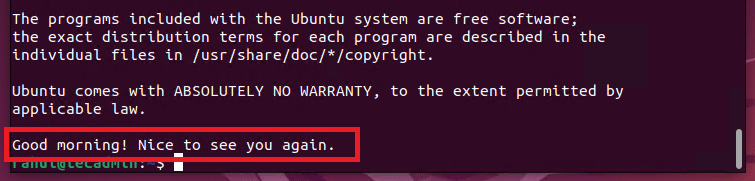
通过 SSH 登入系统。在输入身份验证详细信息之前,您可以看到警告横幅信息。认证成功后,MOTD 消息应该显示在终端上。
警告 Banner
每日消息 (MOTD)
我的开源项目

评论已关闭
关于作者

首席钢琴师